01 · Trigger
Surplus solar is available
When solar generation exceeds your home’s current energy demand.
Local Home Energy Management System
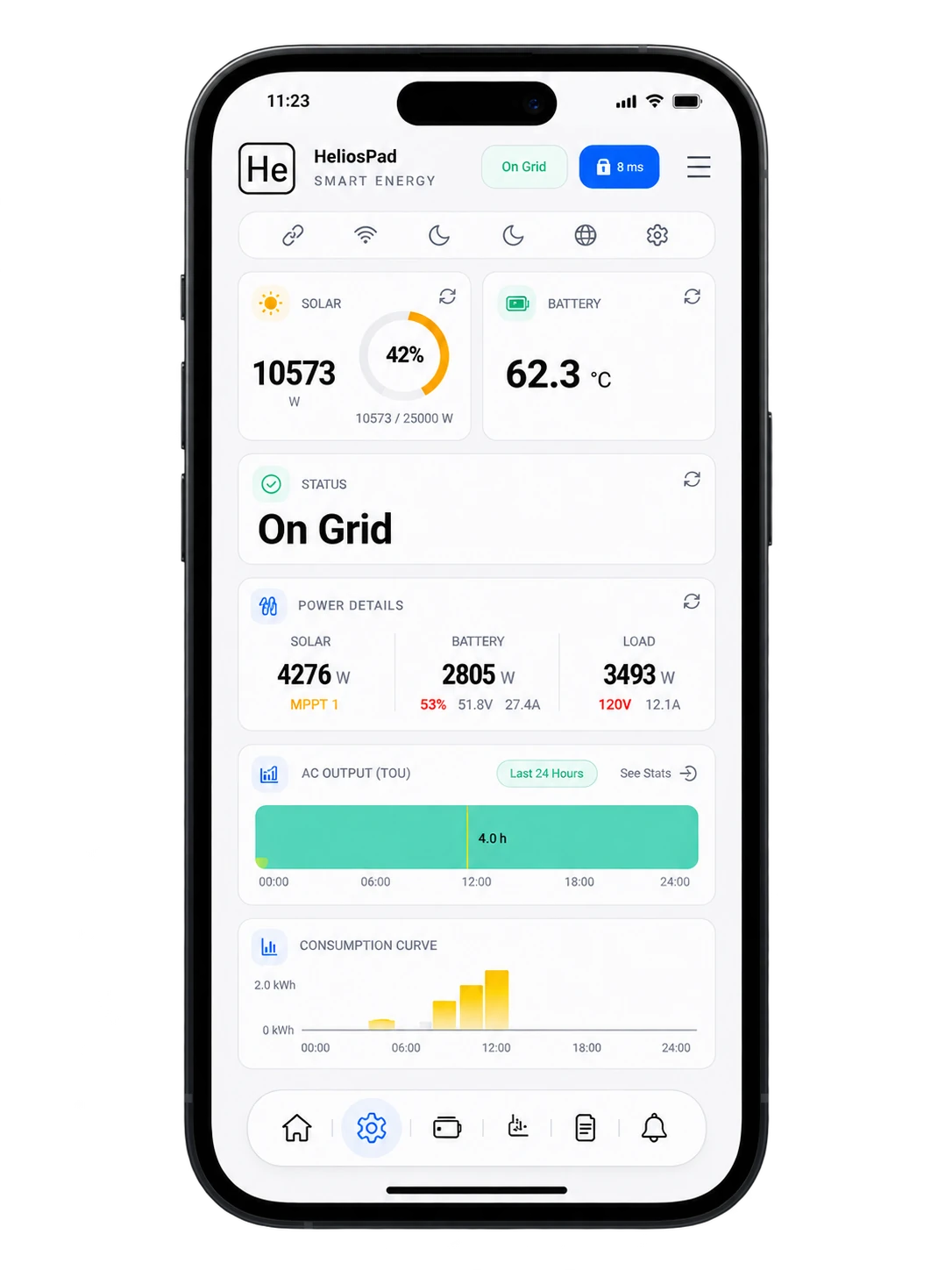
Monitor and control solar, storage, EV charging, heating and smart loads—all from one touchscreen. Locally.
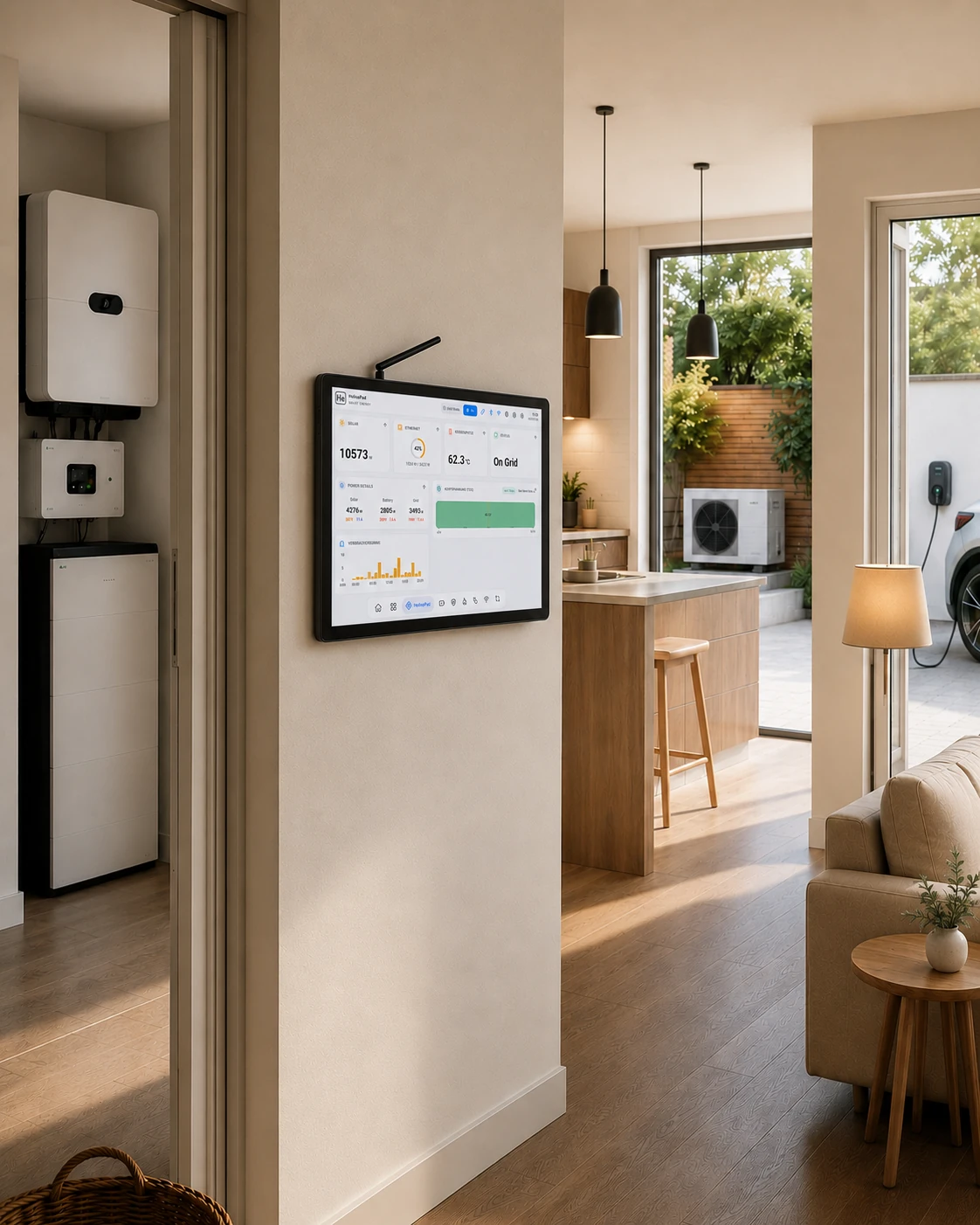
See and understand
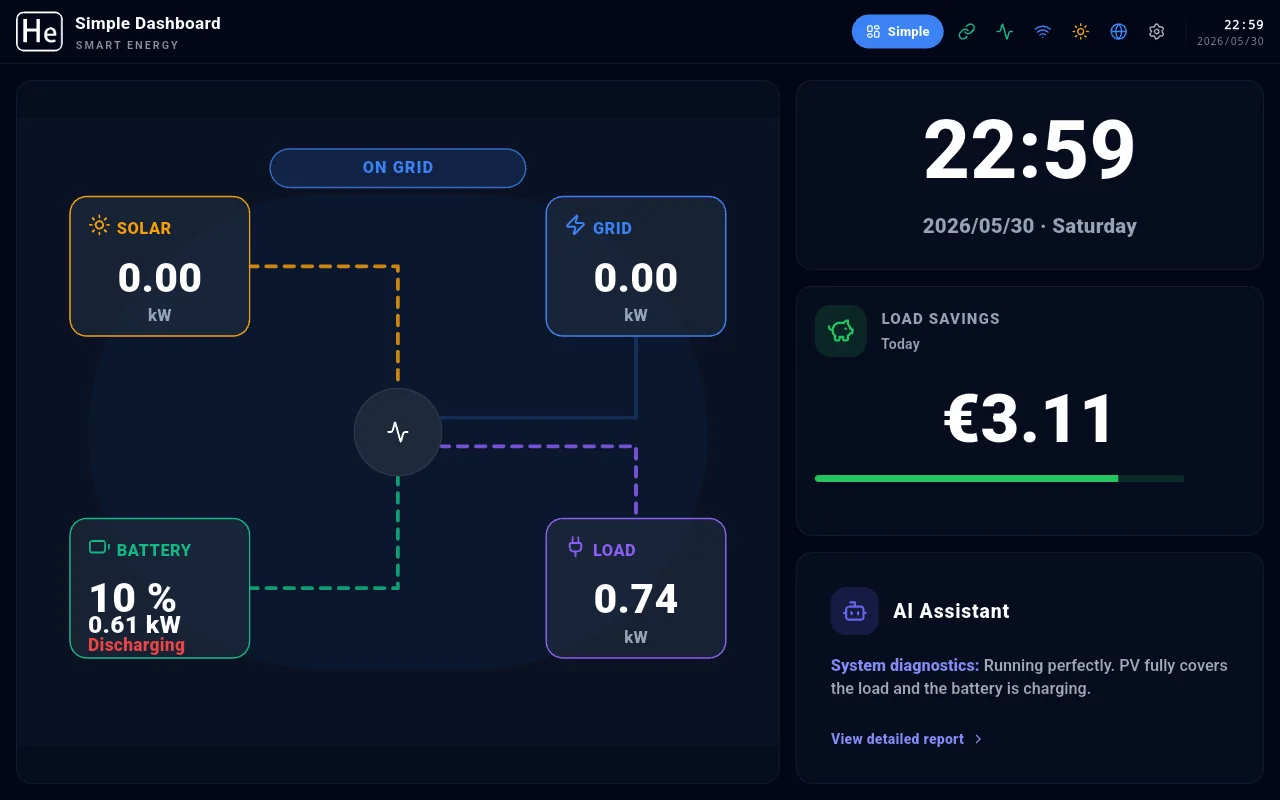
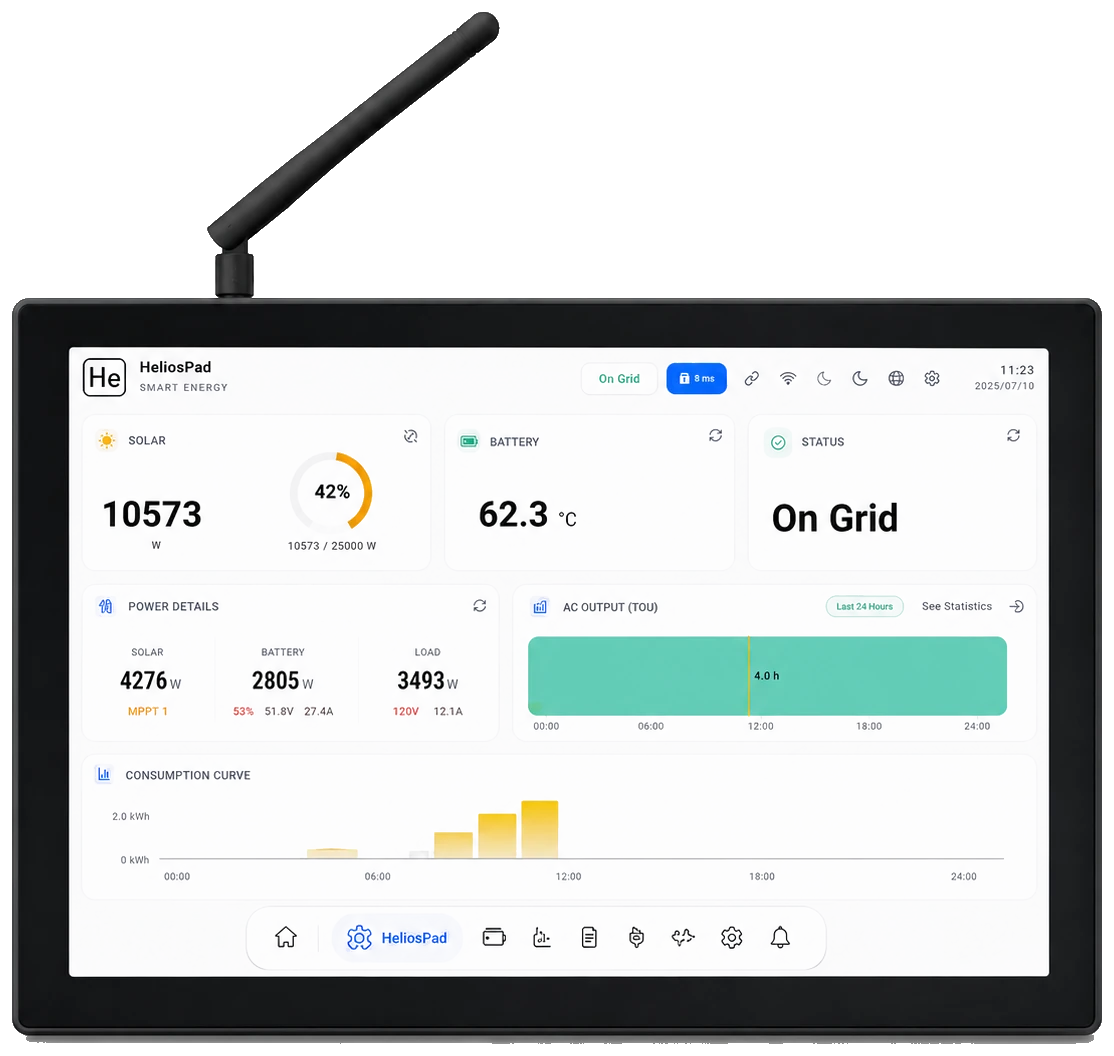
Choose the view that fits the moment. Switch between Simple and Pro anytime—from a quick household overview to deeper system detail.
Two levels of detail
Selected view · 01
See the key information you need at a glance—nothing more, nothing less.
Smart home energy control
01 · Trigger
When solar generation exceeds your home’s current energy demand.
02 · Local decision
It confirms the available surplus and follows your selected device priorities.
03 · Automatic action
Start EV charging, water heating or other flexible loads automatically.
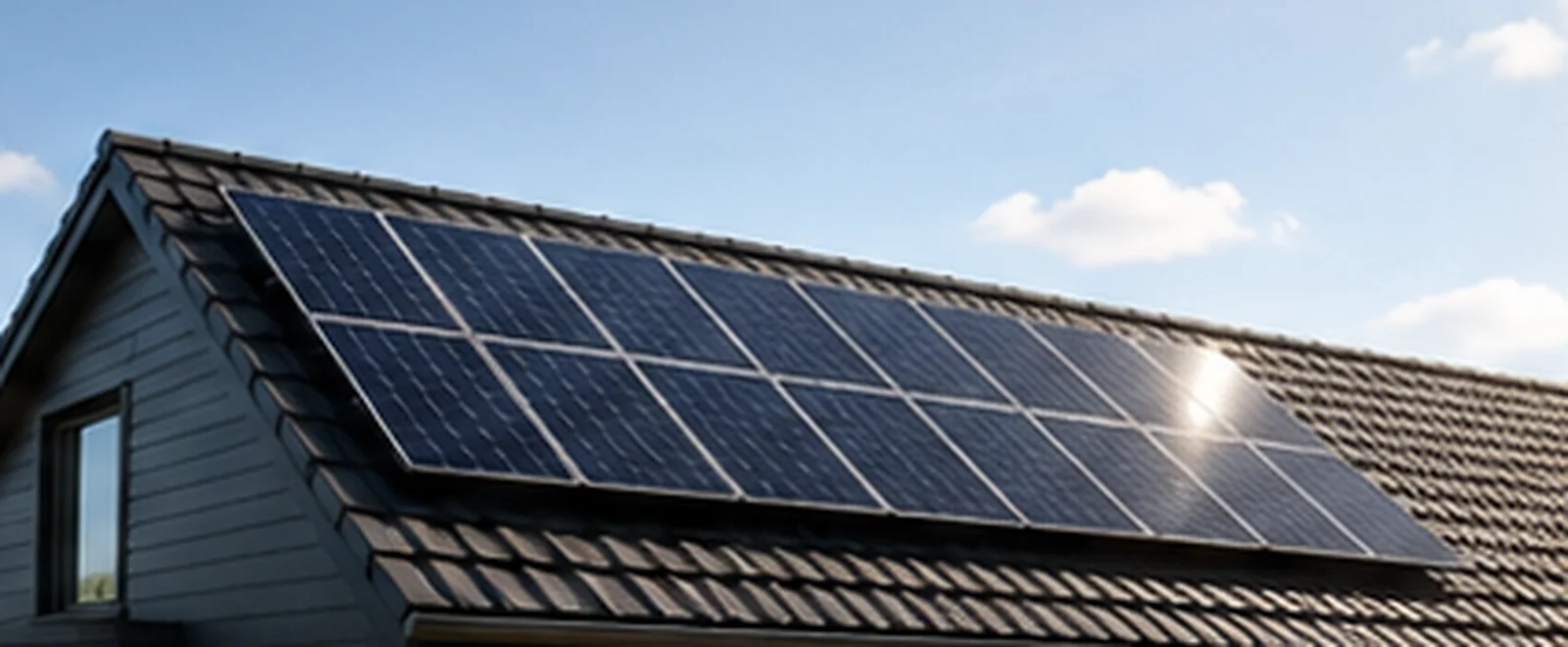
Solar generation available to the home.
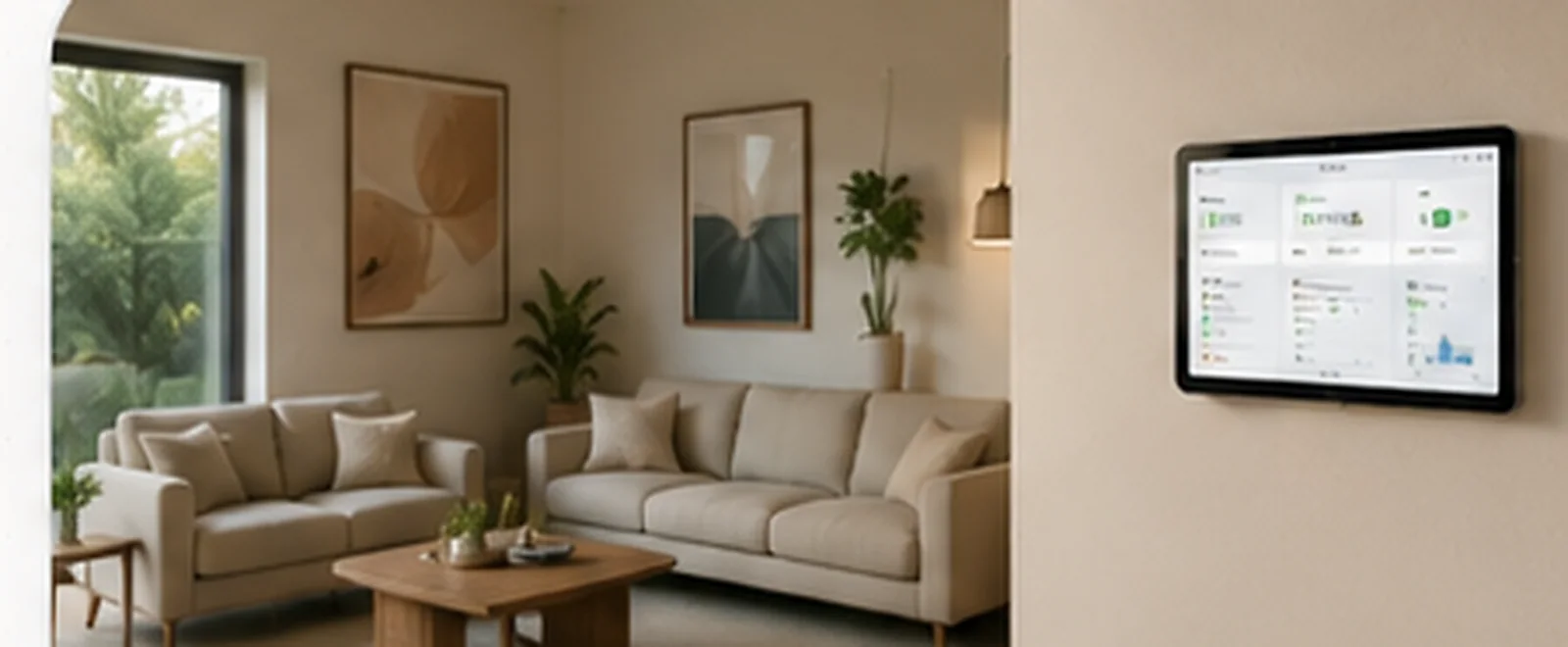
Household demand visible in one local view.
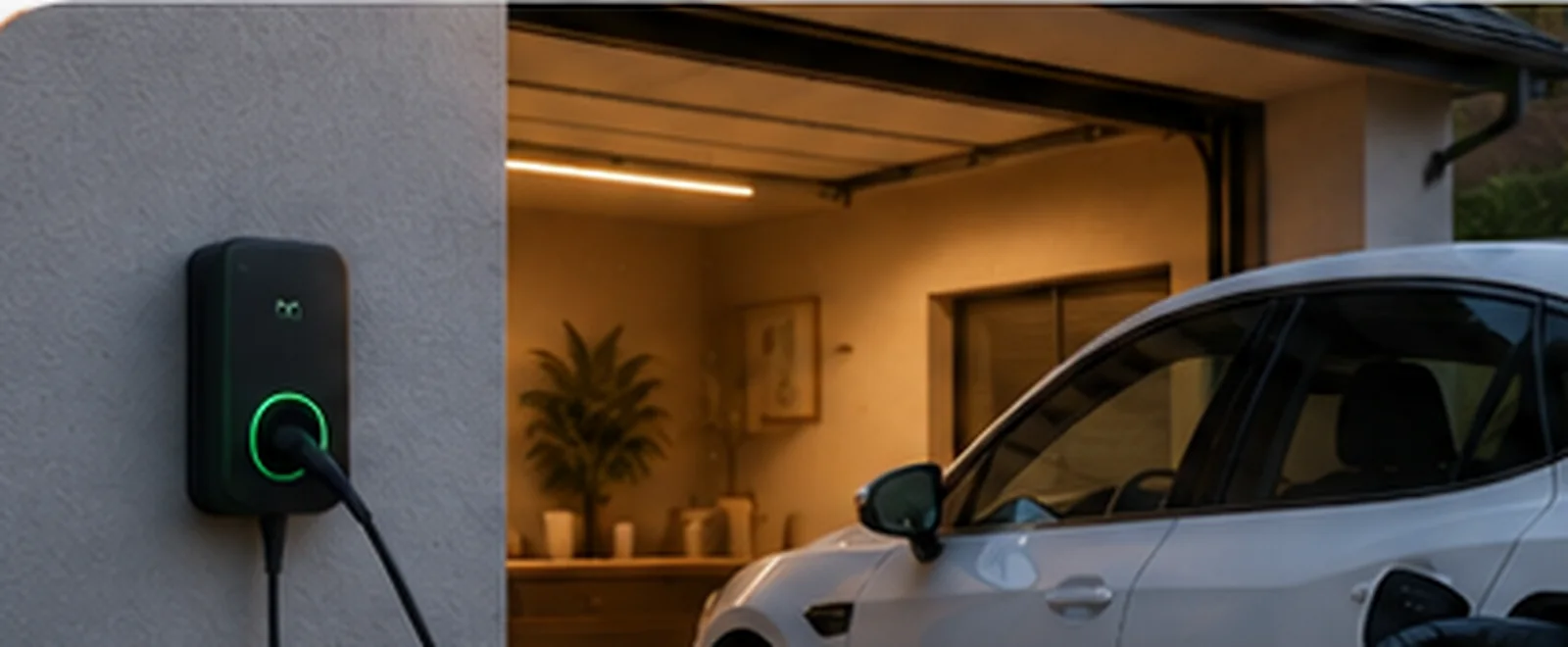
Connected charging can be monitored and controlled.
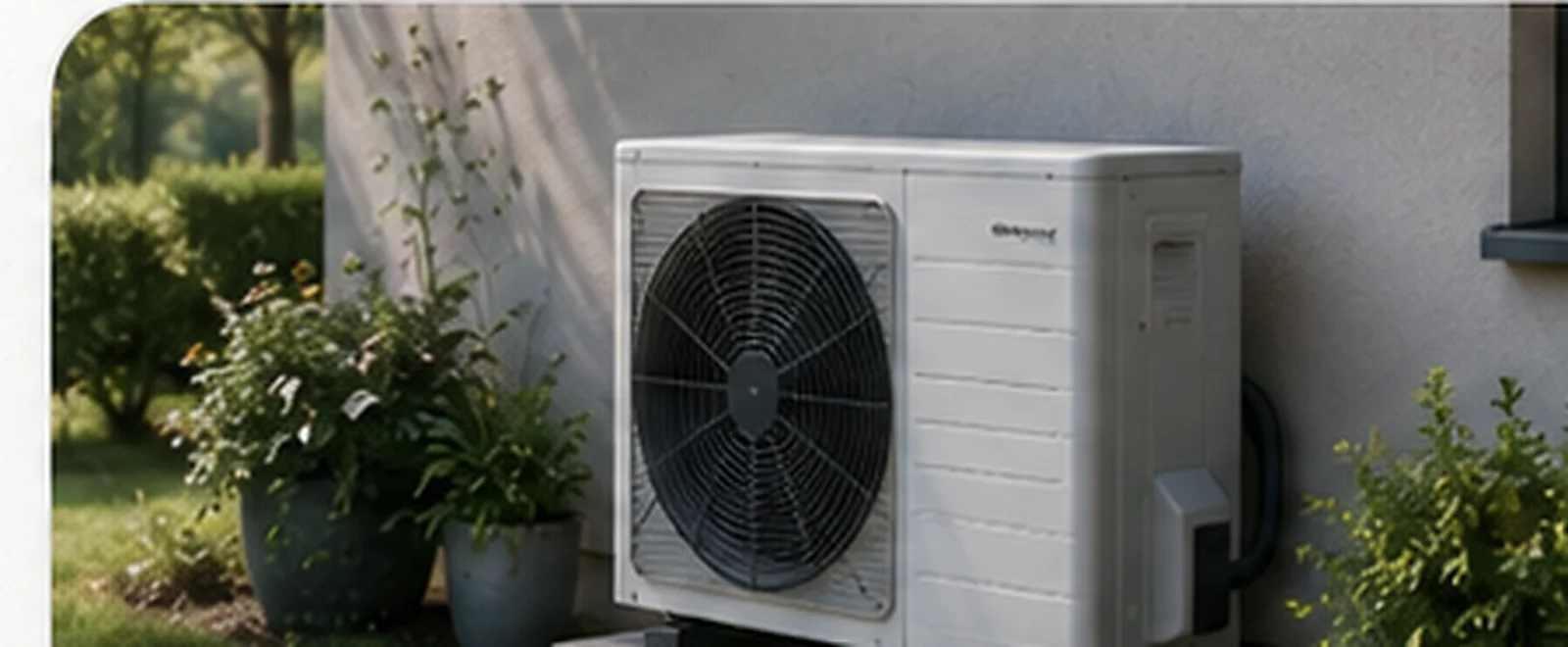
Heating can join the same local energy view.
Local control
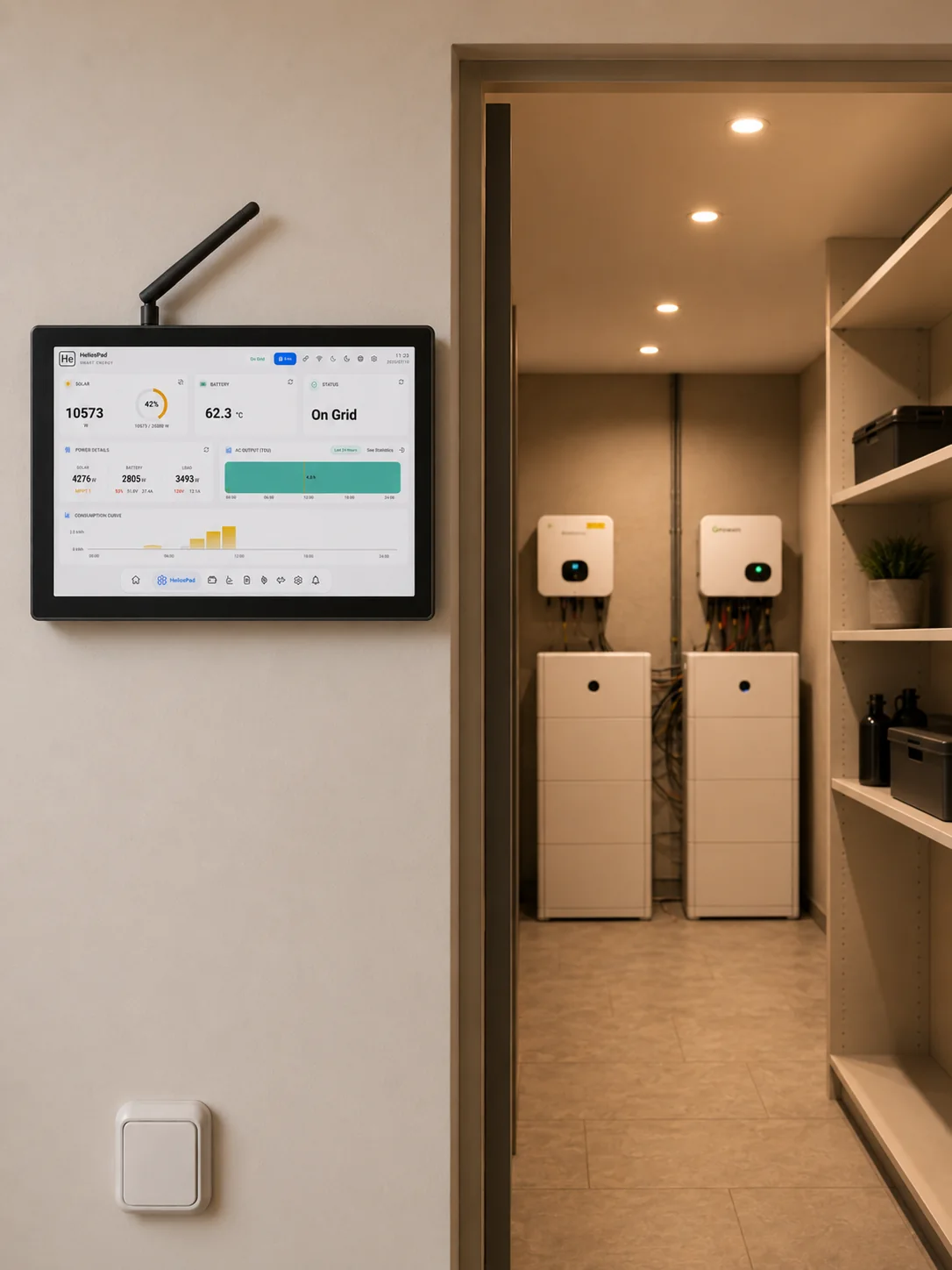
Local-first by design
The data on your wall stays within your walls.
HeliosPad keeps monitoring and control local, without relying on an external server—because how your home produces and uses energy is private, and should stay that way.
At-home web access
Open the HeliosPad interface from a phone, tablet or computer connected to the same home network.
Guided startup
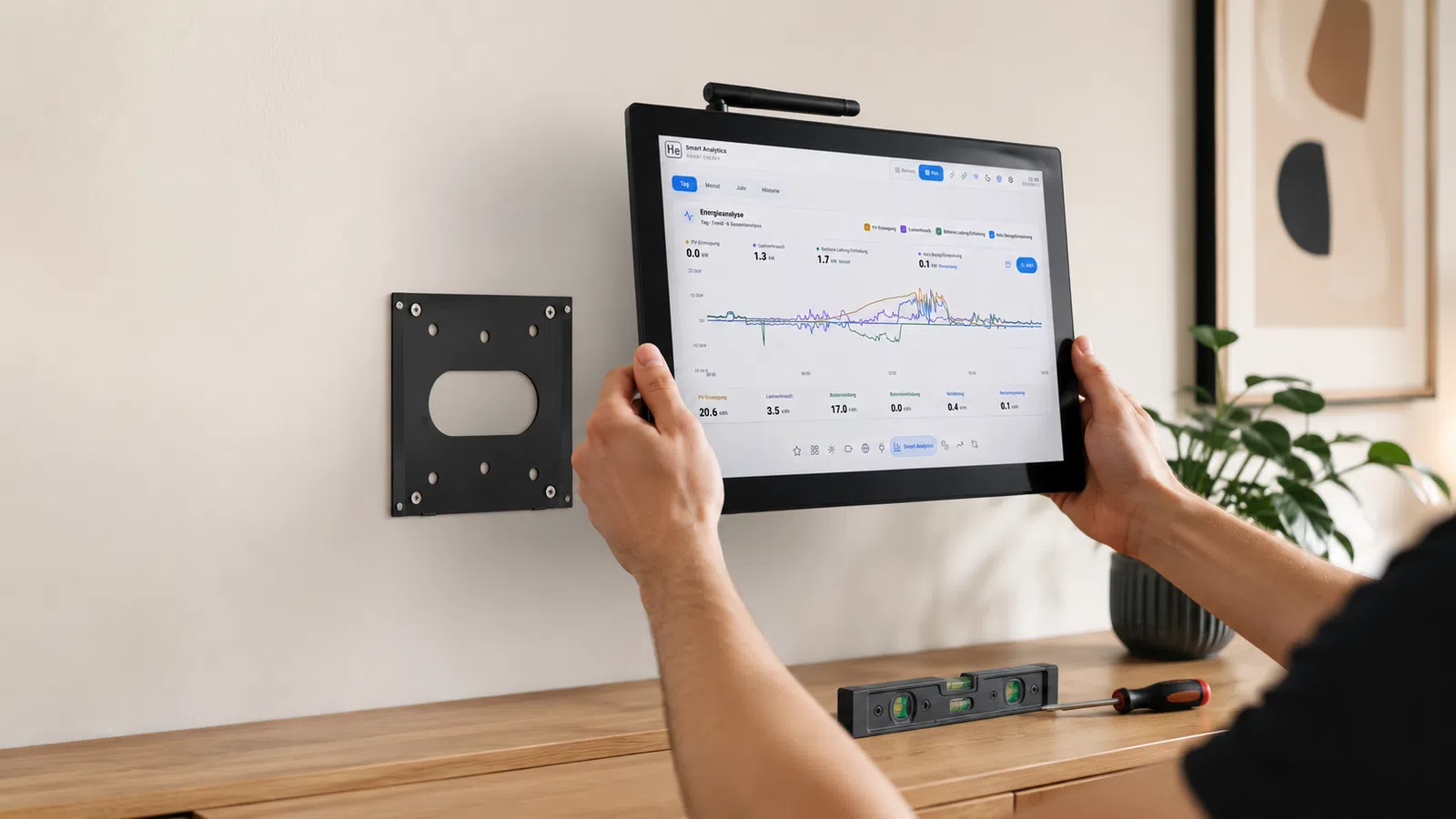
Guide the installer from physical connection to device discovery and pairing, using direct RS485 or HeliosLink where appropriate.
Selected step · 01
Place HeliosPad in the living space and confirm the final mounting position.
The final public workflow must follow the verified installation and pairing process.
Compatibility
Connect supported inverter brands to one HeliosPad and bring their data into the same local interface.
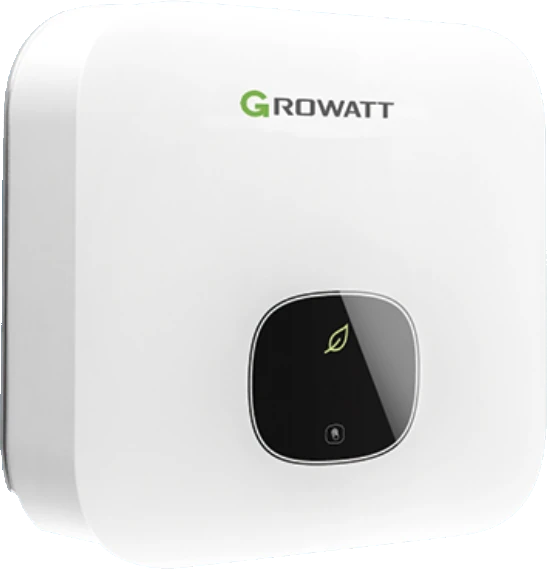
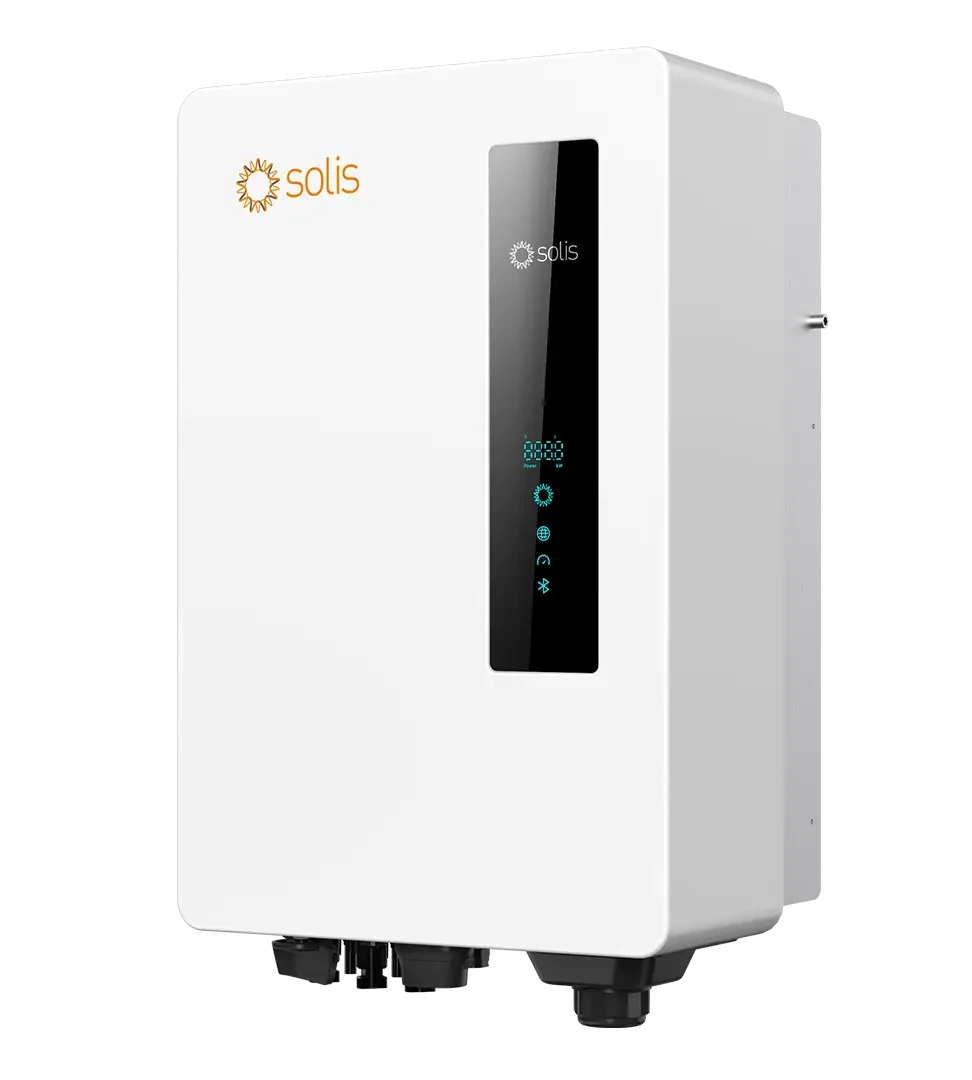
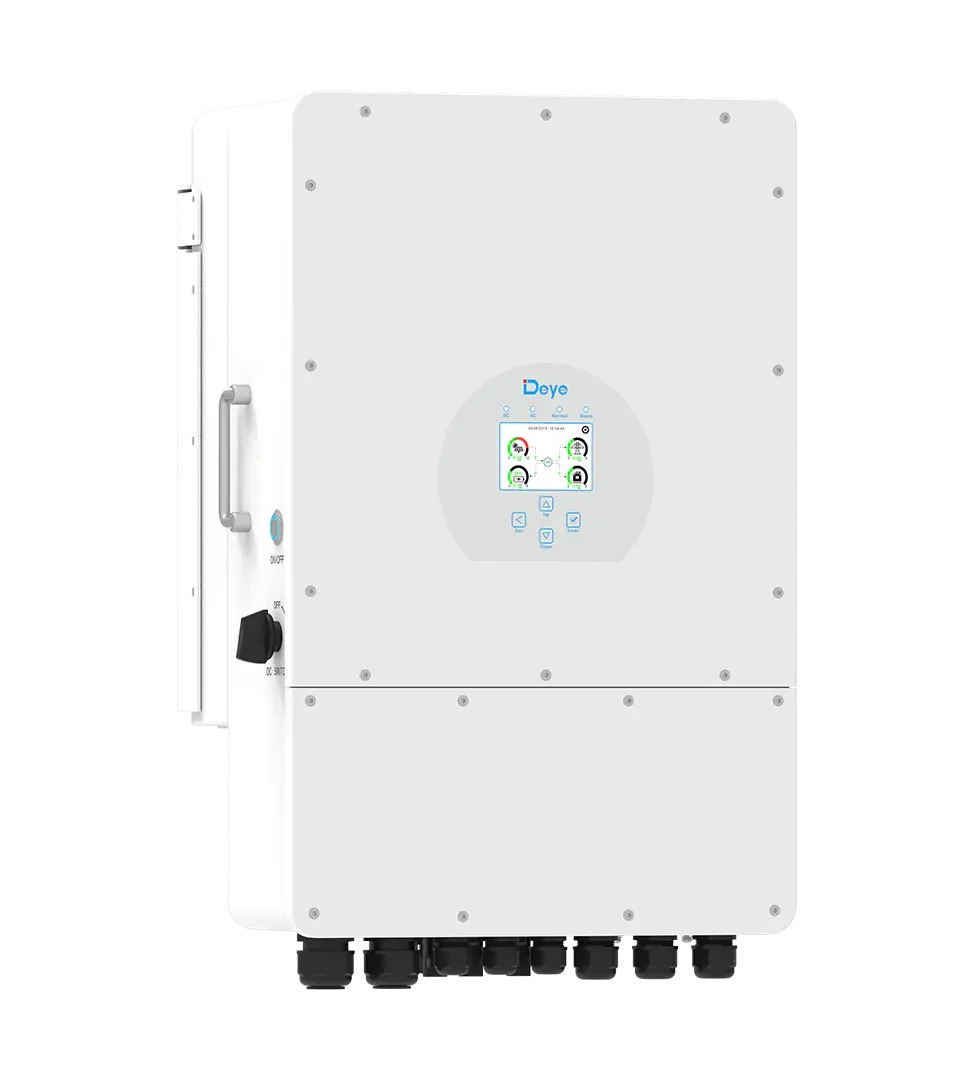
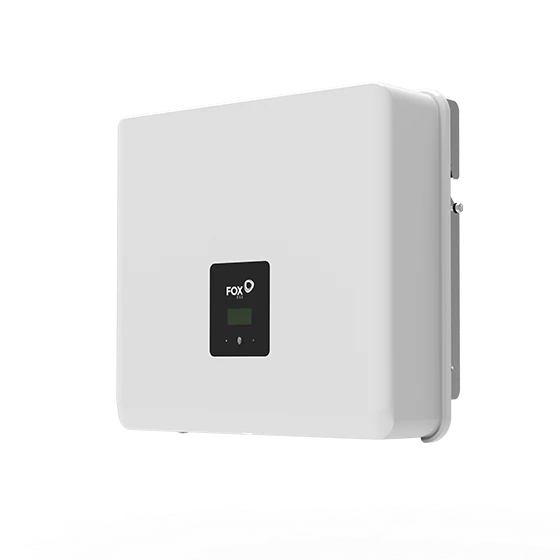
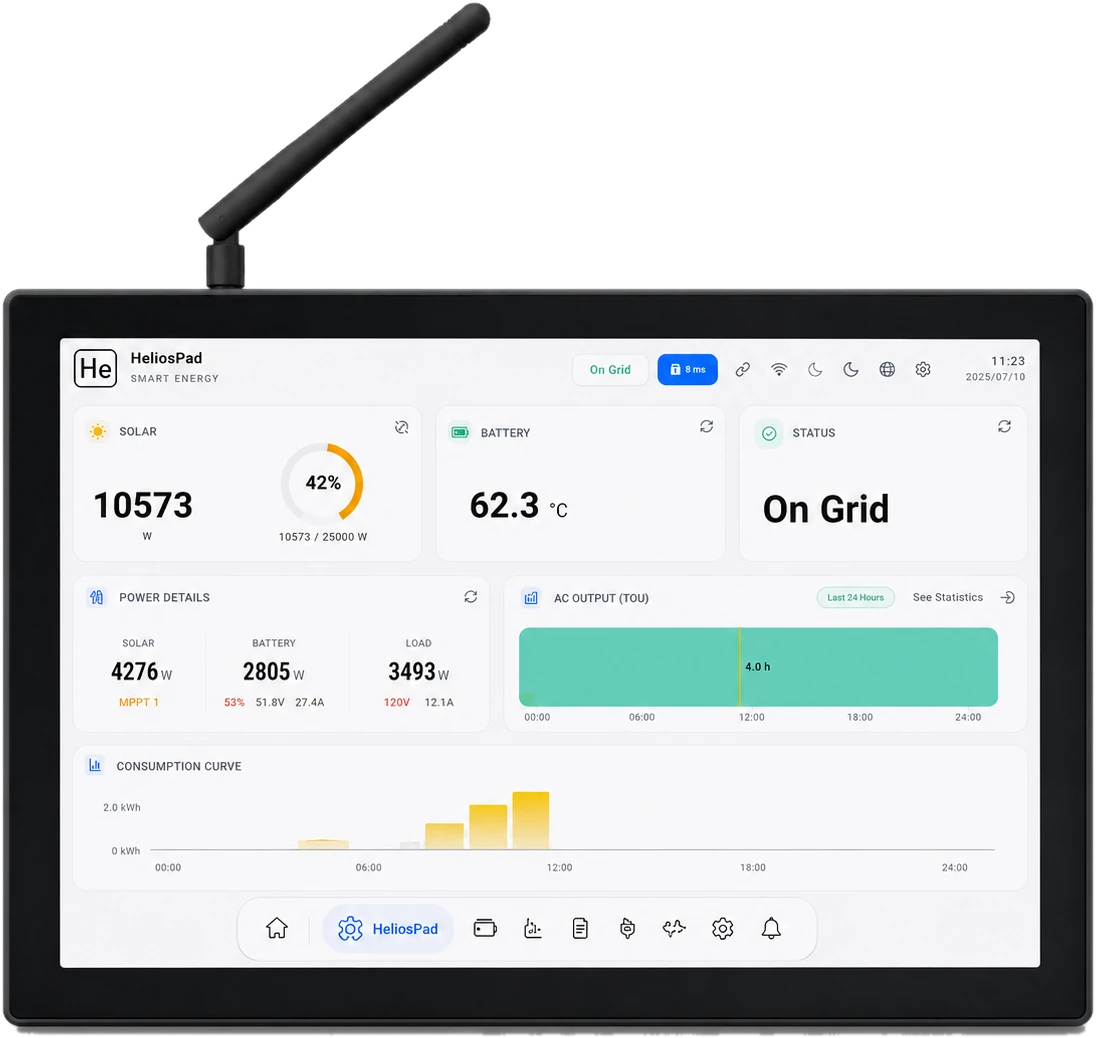
Different inverter brands. One local experience.
HeliosPad
Explore the product logic, review the real interface and discuss compatibility for your project.